Skip to main content.
Migrate

Migrate to Google Workspace or Microsoft 365 with less risk

Migrate users, mail, files and shared data with the control, visibility and expert support for complex, business-critical projects.

Trusted by 50,000+ customers around the globe

Customer stories

Choose your destination

Migrate to Google Workspace

Move users, mail, files and shared data into Google Workspace with visibility, control and expert support.
Learn more

Migrate to Microsoft 365

Move users, mail, shared drives and public folders into Microsoft 365 with visibility, control and expert support.
Learn more
why migrate with cloudm

Built for complex, high-stakes migrations

Pre-migration scan

Scan your source environment, scope your project and identify issues before migration starts.

Pilot and validate

Run pilot, bulk and delta migrations to validate your approach, move data at scale and capture changes before go-live.

Move data completely

Run bulk migrations across mail, files, folders, permissions and collaboration data with control.

Capture final changes

Use delta migrations to capture changes made after the initial migration and before go-live.

Track every stage

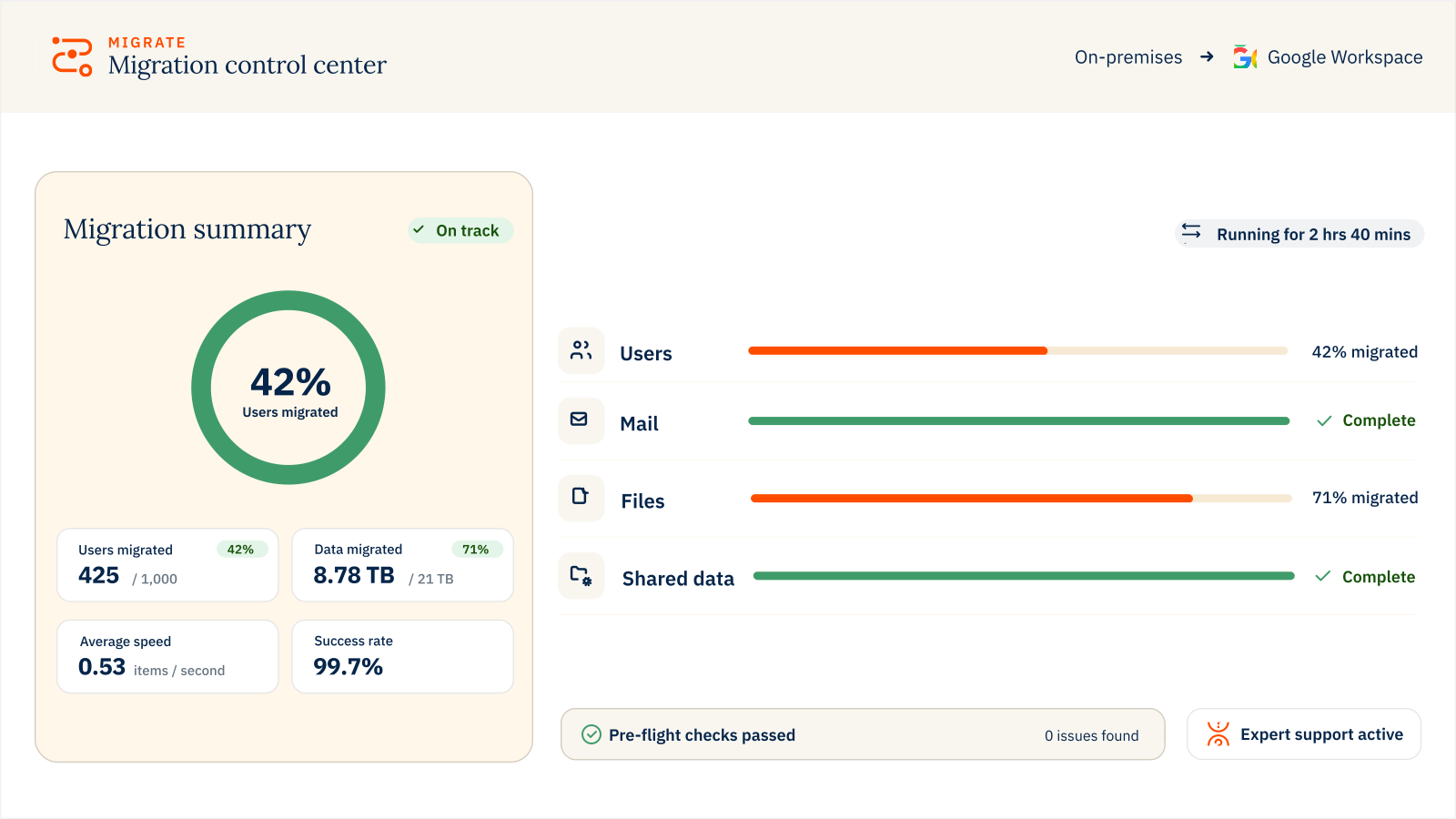
Monitor migration progress and success, review historical results, spot issues early and keep stakeholders informed.

Protect data in transit

Move business-critical data through controlled migration processes built for enterprise environments.

Integrate and automate

Use APIs to connect migration workflows with your wider systems and automation processes.

Get expert support

Bring in migration specialists for planning, execution, go-live and post-migration support.

Work with certified controls

CloudM is ISO 27001 and Cyber Essentials certified, supporting security-led vendor reviews.
75 PB+
Data migrated
80M+
Users migrated
470B+
Items migrated
99.7%
Success rate
MIGRATE PRICING

Flexible pricing for every migration

Where are you migrating to?

Full user migration

Mail, calendar, contacts, tasks, chat

Priced per user
Unlimited data

Shared Drives & public folders

Shared Drives, permissions, folder structure and version history

Priced per 10GB
Get a quote

Mail only

Priced per user
Unlimited data

Full user migration

Mail, calendar, contacts, tasks, chat

Priced per user
Unlimited data

Shared Drives & public folders

Shared Drives, permissions, folder structure and version history

Priced per 100GB
Get a quote

Included with every license

  • 12-month migration license
  • 20+ source platforms See all

    Migrate from on-premises servers, Google Workspace, Microsoft 365, Zimbra, Box, Dropbox and more

  • Hosted or self-hosted

    Choose CloudM-hosted deployment or run it within your own infrastructure

  • All content types

    Move mailbox, calendar, contact, task, chat and shared workspaces

  • Unlimited catch-up runs

    Move new or updated data at no extra cost throughout your license period

Need a fully managed migration? See serviced migrations
MIGRATE

FAQs

What data can CloudM migrate to Google Workspace?
CloudM can migrate users, mail, calendars, contacts, files and shared data to Google Workspace. This can include Google Drive, shared drives and permissions, depending on your source platform and migration scope. Check what CloudM can migrate to Google Workspace.
What data can CloudM migrate to Microsoft 365?
CloudM can migrate users, mail, calendars, contacts, files and shared data to Microsoft 365. This can include OneDrive, SharePoint, Teams-related files, public folders and permissions, depending on your source platform and migration scope. Check what CloudM can migrate to Microsoft 365.
What source platforms does CloudM support?
CloudM supports migrations from a wide range of source platforms, including Google Workspace, Microsoft 365, hosted Exchange, IMAP, Box, Dropbox and other legacy or cloud environments.

The exact migration path depends on your source platform, destination platform and data requirements. Check your source and destination platforms.
When should I choose serviced migration?
Choose a serviced migration if your project is complex, time-sensitive, high-risk or if your internal team does not have the capacity to manage the migration end to end. CloudM can provide guidance, technical support or a more fully managed delivery model depending on your needs.
Can CloudM support migrations after a merger or acquisition?
Yes. CloudM supports M&A migration projects across Google Workspace, Microsoft 365 and other source platforms, helping teams consolidate users, mail, files, permissions and shared resources with less disruption.
Can Migrate transfer document version history?
Document version history can be migrated only when the destination is Microsoft 365, including Microsoft 365-to-Microsoft 365 and Google Workspace-to-Microsoft 365 migrations using the SharePoint Migration API.

When migrating to Google Workspace, only the latest version of each document is transferred. Migrating document version history into Google Workspace is not currently supported.
What happens to links inside files after migration?
When documents are migrated, links inside those documents can still point back to files in the source environment. If that source is later decommissioned, those links can stop working.

CloudM Migrate can fix this after migration by using document mappings to identify supported links and update them to point to the corresponding files in the destination.

This helps preserve links between related documents, spreadsheets and other migrated files after cutover.