Can I use Google Vault instead of backup?
Google Vault is designed for retention, eDiscovery and legal hold. Backup is designed to create independent recovery points so teams can restore data after deletion, loss or unwanted changes. Many organizations use both for different purposes.
Where is my backup data stored?
Automate & Protect stores backup data in your own Google Cloud or AWS environment, giving your organization more control over where backup data lives and how it is governed.
What Google Workspace data can Automate & Protect back up?
Automate & Protect can back up Gmail, Drive, Shared Drives, Calendar, Contacts and Chat. Backup scope depends on your configuration and Google Workspace environment.
How often is Google Workspace data backed up?
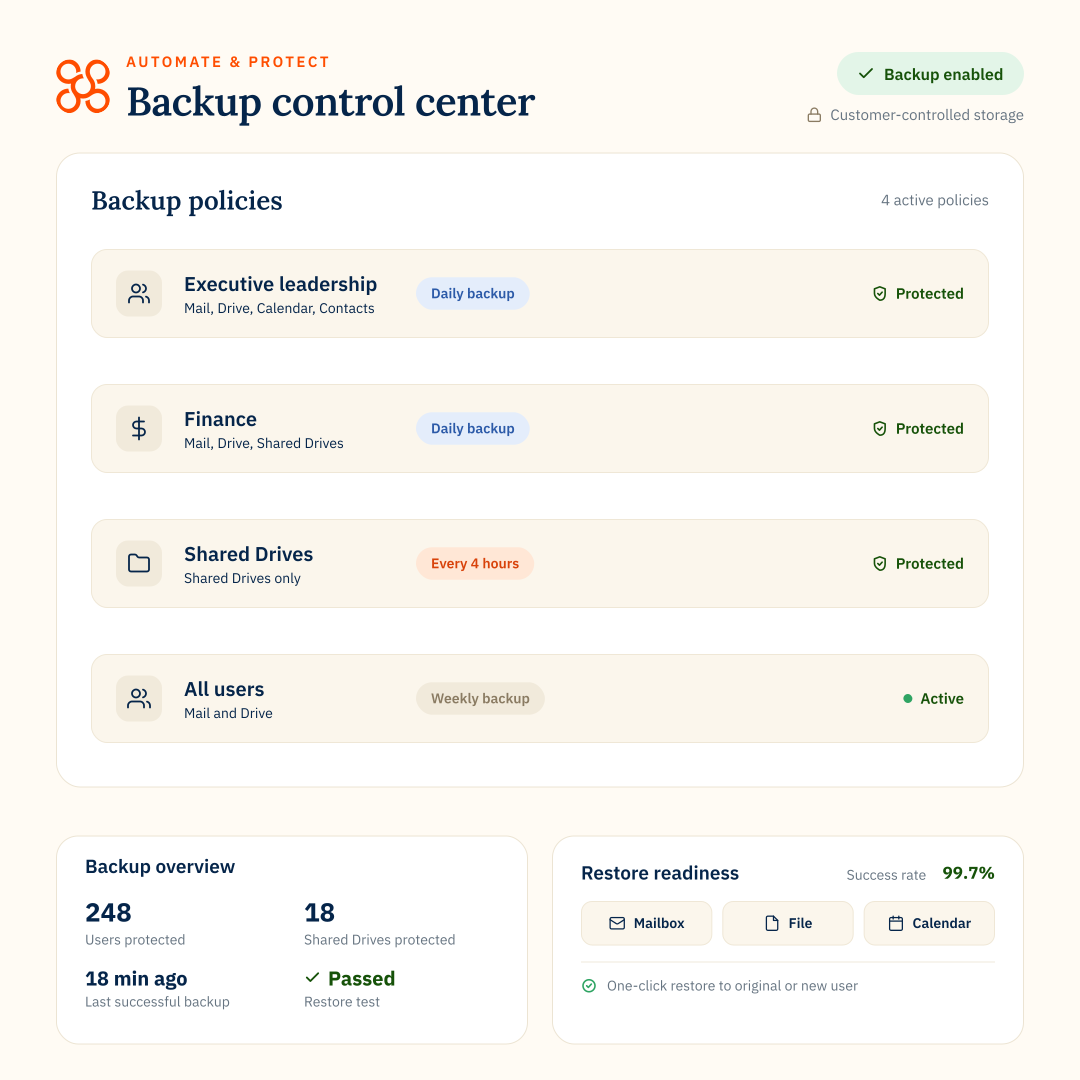
Backup frequency depends on your configuration and policy settings. Teams can set backup policies based on users, data types and operational needs.
Can I restore individual items or full accounts?
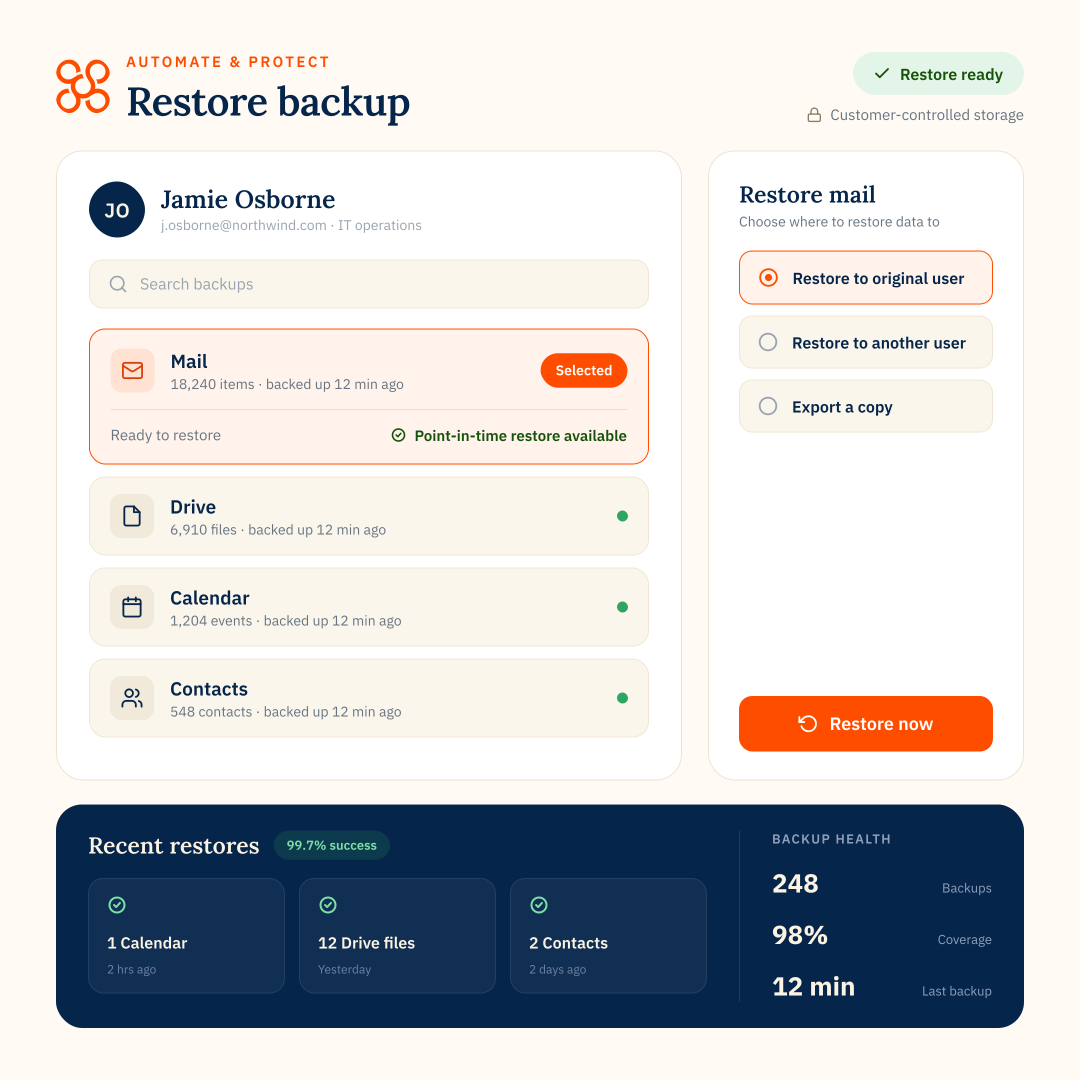
Yes. Backup supports full or item-level restore for some data types, including Mail, Drive and Chat. Some data types, such as Calendar and Contacts, support full restoration only.
How does backup for Google Drive and Shared Drives work?
Automate & Protect backs up files and folders from users’ My Drives and Shared Drives according to the backup policies you set.
You can control backup frequency, retention and how much historical Google Drive data is included in the initial backup, then monitor backup status from one place.
When you need to recover data, you can search backups and restore individual files, folders or Shared Drive data rather than restoring everything.
Learn more about Google Drive backup for business
How does Backup support compliance?
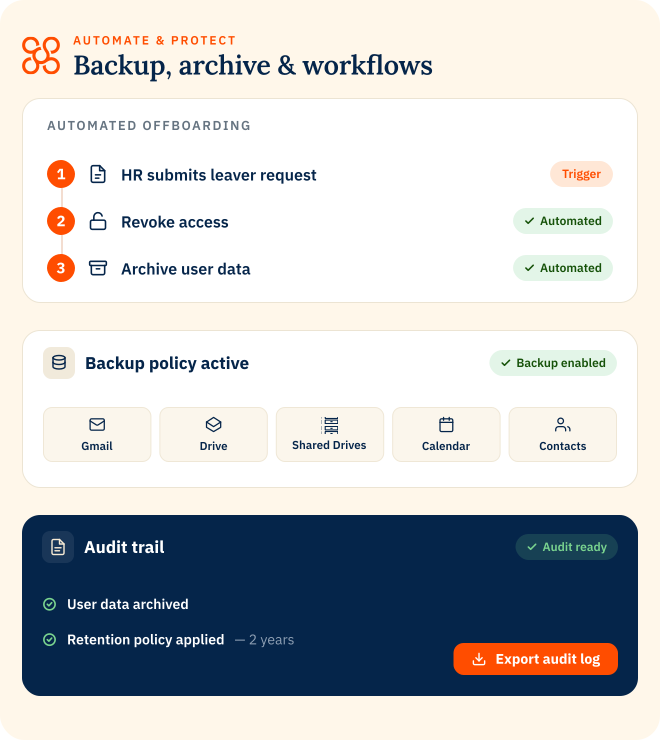
Automate & Protect helps teams keep backup activity visible with audit logs, reporting and customer-owned storage options. This can support internal governance, vendor reviews and compliance processes.